Link management
Link management: change where a link goes after you share it
Link management in CTAurl means you can change where a short link or QR code points after the flyer is printed and the post is live.
Last reviewed 27 October 2026 by the CTAurl team

Edit
How do you change a short link's destination after sharing it?
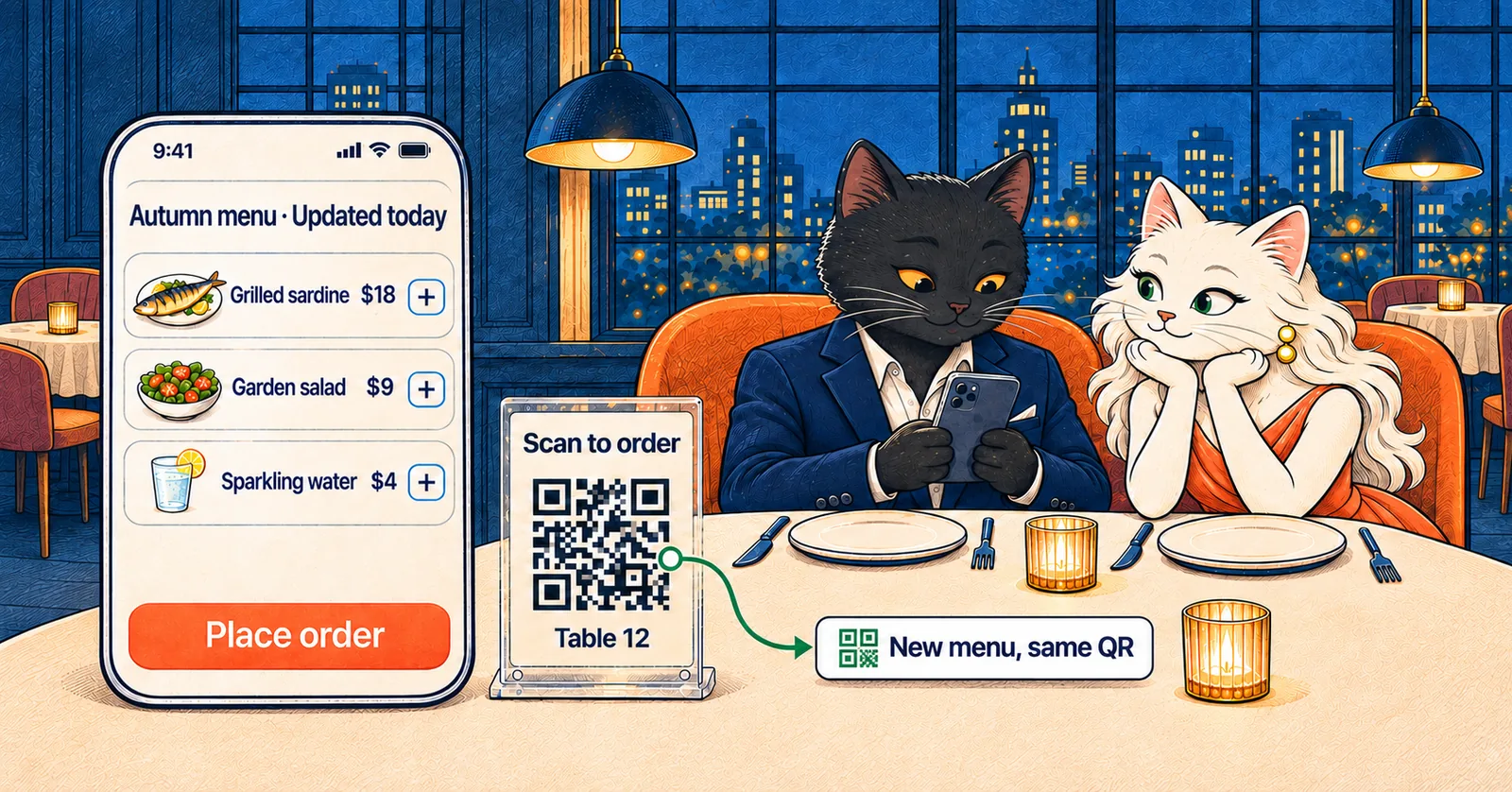
To change a short link's destination in CTAurl, open the link, replace the destination and save. Every link and QR code has a destination you can change, while the short address and the printed QR pattern stay exactly the same. The change applies to the very next tap or scan.
- Fix a broken page after the newsletter has gone out
- Send a sold-out product's link to its waitlist
- Point a printed menu at next season's menu
Organise
How do you organise short links by campaign or client?
In CTAurl, you organise short links with tags: tag each link by campaign, shop or client, then filter the list by tag to find the link you made six months ago. You can also select a group of links and tag, hide or export them as a CSV file in one step. Which of these your workspace can use depends on your plan.
Keep
Do short links stop working if you cancel or stop using them?
CTAurl short links and QR codes keep working after you stop paying, and nothing is deleted for inactivity, so a link you stopped touching last year still opens its page.
Short links do get retired elsewhere. Google shut down its free URL shortener, and links that had no recent activity stopped working after 25 August 2025, while active links were kept (Google Developers Blog, July 2024, updated August 2025). A flyer or document printed with one of those links stopped working with it.
Exceptions: abuse of the service, a legal requirement, or CTAurl ceasing to operate, in which case we give advance notice and an export.
What happens when you stop payingFrequently asked questions
How fast does a short link destination change take effect?
A CTAurl destination change applies to the very next tap or scan. Each tap looks up the current destination at that moment, so the next person who taps after you save goes to the new page. There is no propagation delay and no cache to wait out.
Can I change a link or QR code destination more than once?
Yes. Every CTAurl link and QR code has a destination you can change after it is shared or printed, and each change applies to the very next tap or scan. Plans differ in how many new links and QR codes you can create each month, and the pricing page lists them. Links and codes you have already published keep working on every plan.
Can I tag, hide or export many links at once?
Yes, depending on your plan. In CTAurl you can select a group of links and add a tag to all of them, hide them, or export them as a CSV file in one step. You can also create up to 100 links at once from a CSV file with bulk shortening.